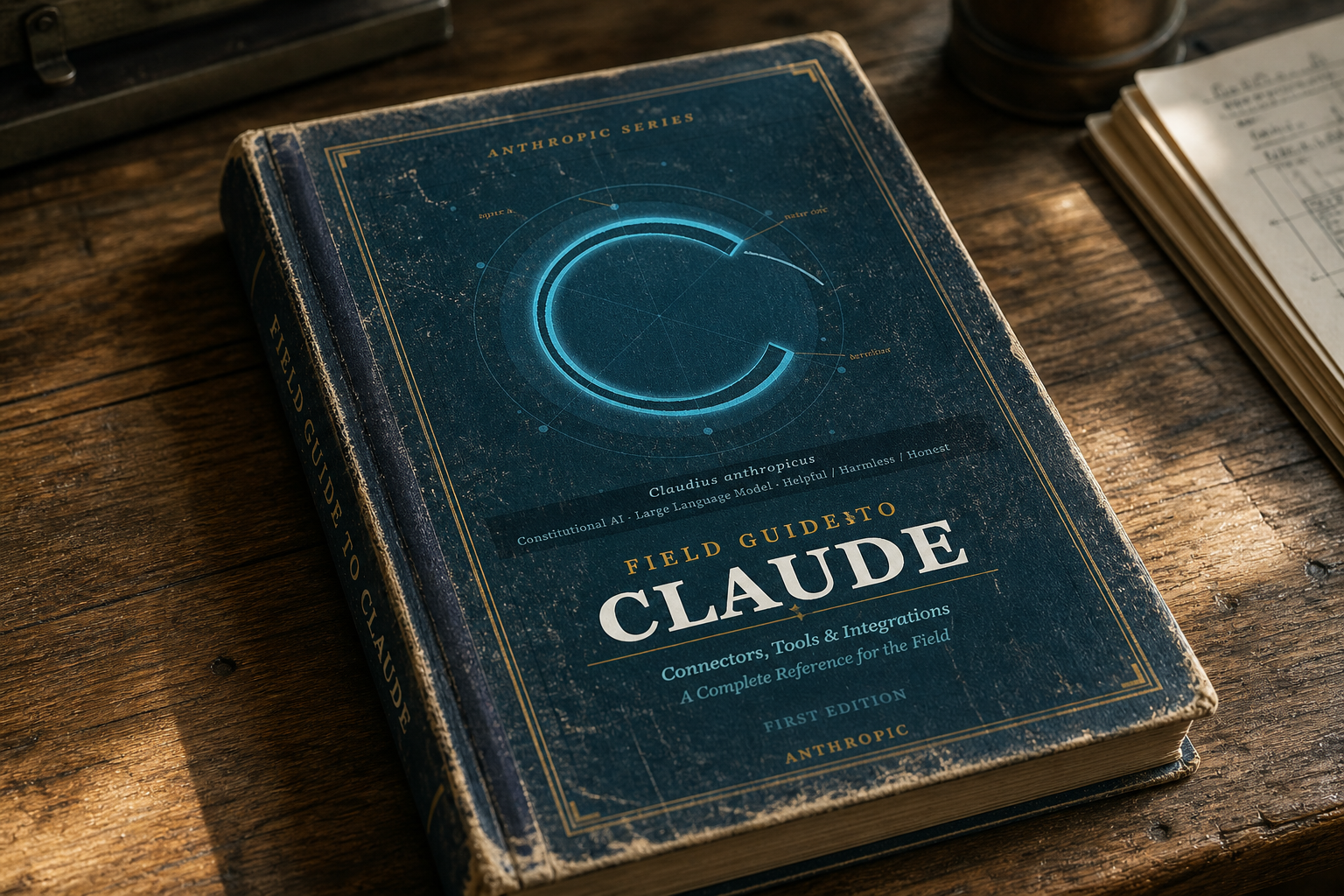


A few months ago, we published a field guide on the growing number of ways to connect Claude to your information and tools.
But at the pace of Anthropic innovation, even a five-month-old post is pretty outdated by now.
Here are some of the changes we’ve witnessed since our first guide was published:
- Anthropic can write now: Anthropic-provided connectors can do more “write” things, in addition to the “read” things it did before.
- Chat and Cowork are one Claude and reach the cloud: They can run in the cloud and continue working, even when your laptop is closed.
- Claude works everywhere: Claude can use a browser or, in some cases, your actual computer when no API or connector is available.
Yes, Claude is increasingly showing up where the work is happening, instead of requiring users to go to Claude.
This means no longer asking “How do I connect Claude to my stuff?” Today’s questions are: “What does Claude need to know?,” “What does Claude need access to?” and “What should I let Claude do?”
With all of those changes, a few updates to our field guide were necessary — here goes.
Connectors give Claude more authority.
In the first version of this guide, it was fairly natural to think about a connector as a way for Claude to retrieve context from another system. But now, it’s a little more complex with added capabilities.
Before: Claude's Google Workspace connectors could simply search email and Drive.
Now: Claude can also send email, manage calendars, move and share files, create folders and save generated files back to Drive.
Before: Claude’s Microsoft 365 connectors could just send and organize Outlook email.
Now: Claude can also manage calendar events, and create or update files in OneDrive and SharePoint when administrators enable those permissions.
Connecting Claude to another system requires data architecture, permissions and workflow considerations. We’re no longer asking Claude to find the most recent version of the board presentation. Now, we’re asking Claude to update the board presentation, save the new version and email it to everyone attending the meeting.
While the starting connection might be the same as it once was, the authority given to Claude to complete additional tasks is much a greater opportunity.
Remote connectors should probably be your default.
The distinction between local and remote MCP is still important, but possibly less important than it historically was for most business users.
Remote MCP is commonly thought of as "connectors." These connectors can talk to systems like HubSpot or Microsoft 365 from any “surface” — web, mobile or desktop.
There are also remote connectors for cloud solutions like Slack, Notion, Microsoft 365, Google Drive, GitHub or other SaaS applications.
If a reliable hosted connector already exists, start there for the easiest way to connect.
Local MCP means Claude Desktop reaches out from your machine to something running on or near it — a local database, a development environment, an internal service or a custom prototype. This option typically requires Node.js, JSON edits and a restart; Desktop extensions are the usual packaged version.
Wiring a local connector up is no longer the obvious next step for a business workflow, but it's still a good way to prototype an integration before moving it to a remote server.
Cowork is now Claude (and an execution environment).
This is probably the biggest conceptual change from our previous guide.
Before: Cowork felt like Claude Chat, but it could work with files on your computer.
Now: Cowork is a directly integrated part of Claude and together they're much closer to a general-purpose agentic work environment.
Claude can:
- Run sessions in the cloud across desktop, web and mobile.
- Schedule and run tasks, even when your computer is offline.
- Use connectors, skills and plug-ins.
- Create files (including with the new Claude Docs and Claude Slides) and conduct research.
Now, the Claude Chat versus Claude Cowork distinction is more clear:
They're one Claude.
That may be oversimplifying things, but it helps to illustrate the differences between them.
The browser is the connector when there’s no connector.
Before: AI would only work with a niche internal application if an API integration or MCP server were built as a connector.
Now: A browser is now another kind of “connector.”
Anthropic's defined order of operations is connector first, browser second, screen interaction third.
When a website doesn't expose a connector, Claude can open its own browser and get to work, navigating, clicking, typing, filling out forms, etc. If already working in Chrome, Claude does the same types of activities but inside the browser you're already using.
The two browsers serve different purposes:
- The built-in browser: Is isolated from your everyday browser — use it to hand off a web workflow.
- Claude in Chrome: Operates the browser you're already signed into, working with the tabs and sessions you've given it access to — use it when the work is already happening in your browser.
Artifacts have quietly become an application layer.
Before: It was easiest to think of an artifact as the persistent document, visualization or mini-app Claude created beside a conversation.
Now: Artifacts can include Claude itself, maintain persistent state and connect through MCP to external services.
Claude also goes a step further, introducing live artifacts: persistent dashboards and tools that can refresh themselves against your connected applications and local files.
A quick recap:
MCP and connectors: How Claude reaches your systems
Skills: Describe how Claude should work
Artifacts: How connectors and skills can be used together for a reusable purpose that people can interact with
Plug-ins: Packaging multiple skills, connectors and subagents
Put everything together with Claude Code.
Claude Code can use MCPs, skills, plug-ins, subagents and browser/computer tools. Its sessions can run locally or remotely, and its workflows can move between terminal, web and mobile.
For developers, this means MCPs and skills are becoming shared building blocks rather than separate Claude Chat features.
The same internal tool or system you use can now be used in Claude and Claude Code.
And increasingly, Claude comes to you.
This is another meaningful change — Claude is increasingly accessible in everyday work.
- Claude in Chrome puts Claude beside the application you're using.
- Claude Tag lets team and enterprise users delegate work by tagging Claude inside Slack.
- Claude's Microsoft Office integrations put Claude directly inside Excel, PowerPoint and other Office applications.
This transition points toward where we think this is all going.
The long-term Claude interface probably isn't going to be opened and closed as needed. We see Claude becoming ever-present where the work, context and people are.
Getting started with Claude.
Despite these new capabilities, our advice has become more conservative:
Start with the least complicated thing that solves the problem.
If you're new to working with Claude beyond basic Chat:
- Start with Projects for something you work on repeatedly.
- Connect the systems you already live in, usually email, calendar, files, Slack/Teams and maybe your CRM.
- Use Claude when you want Claude to complete a multistep task instead of just helping you think through it.
- Turn repeated workflows into skills — there’s a skill for creating skills if you need help.
- Use browser or computer interaction to test workflows when no reliable connector exists.
- Build a custom MCP when the workflow has proven valuable enough to deserve a proper integration.
- Use plug-ins and the API when you are turning individual workflows into repeatable organizational capabilities or products.
For your consideration.
One thing we would add given Claude’s new capabilities: Be increasingly thoughtful about the difference between read access and action authority.
For example:
- Giving Claude permission to search Salesforce versus giving it permission to update opportunities
- Allowing Claude to read emails versus send them
- Having Claude look at files versus delete or replace them
Custom or remote tools introduce another trust boundary entirely. Anthropic specifically recommends treating unverified remote tools carefully because a hosted MCP server can change after you initially connect it.
We’re not saying to avoid giving Claude tools, because the tools are increasingly where the value of Claude lies.
The goal is to give Claude the simplest, safest level of access that allows it to get the job done. Then, once the workflow earns your trust, you can expand from there.
This part of our original advice hasn't changed:
Build from the simple side.
You’ll find that the simple side can do much more now.